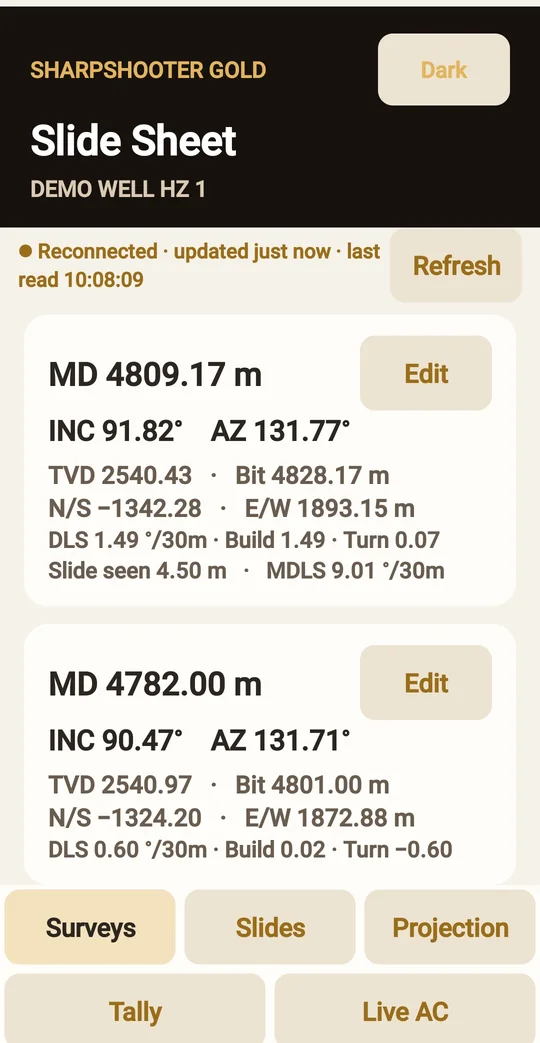
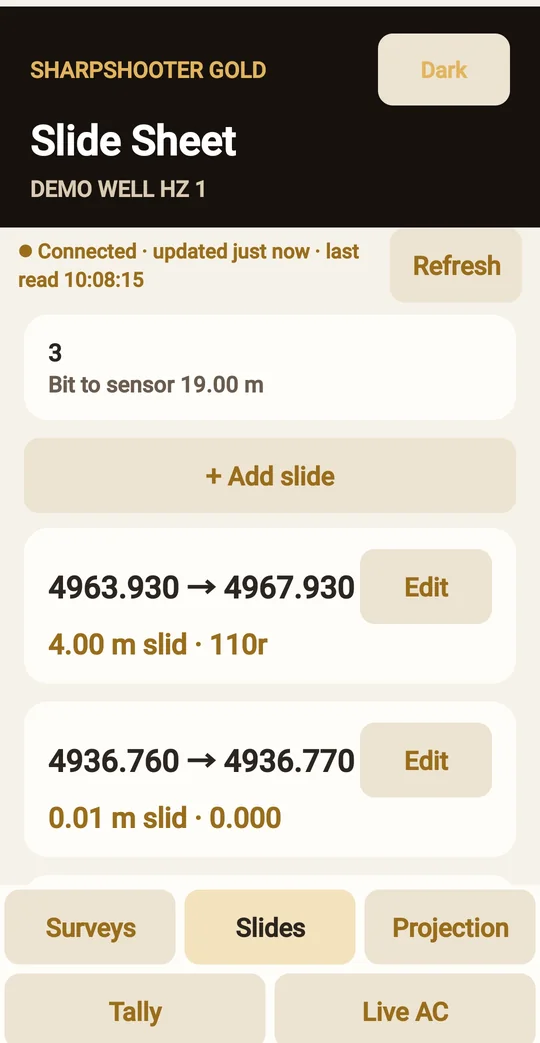
SharpShooter Gold for Android
It works live with SharpShooter Gold on your own computer: surveys, slides and projections use the computer's calculations and save straight into its job database. SharpShooter Gold has to be running on that computer.
Free download - Android
Open the download page on your Android phone, tell us who you are, and the app downloads straight away. Open the file and tap Install. No Google Play account needed.
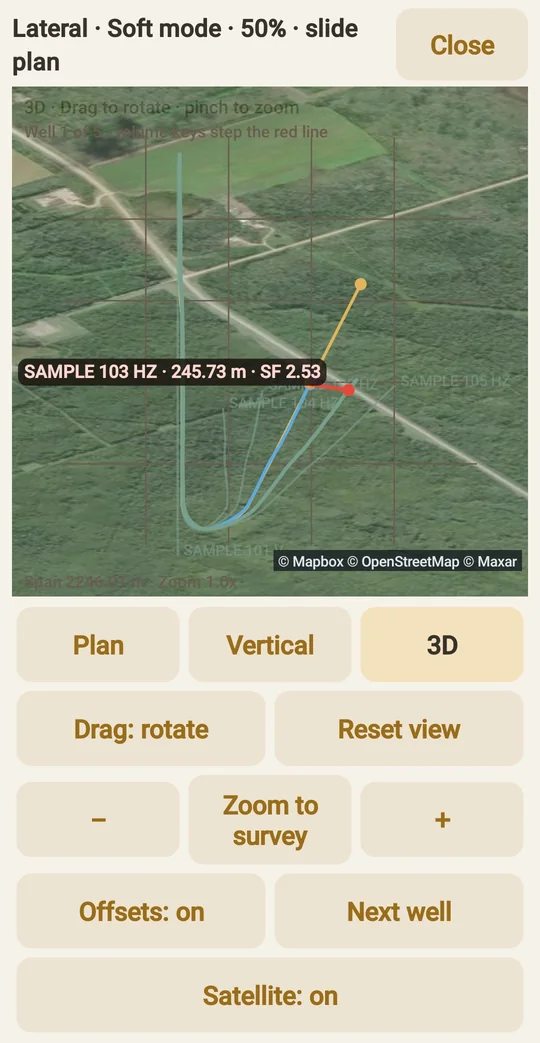
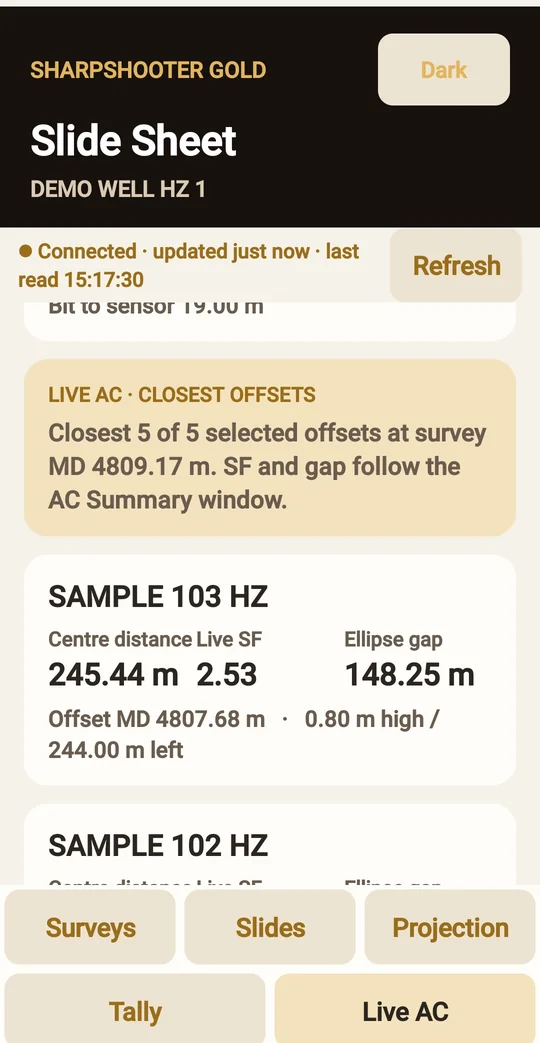
Live anti-collision on the phone
Sign in
Google Play installs the app and keeps it up to date. Using the app file instead (download it here)? Open it and tap Install; if Android asks, allow your browser to install apps.
Typing instead: the computer's link code SSG-XXXX-XXXX or its Wi-Fi address, then a phone user created on the computer. The phone remembers every address that has worked and tries them in order: the rig Wi-Fi first, then SharpShooter Link from anywhere.
On the phone
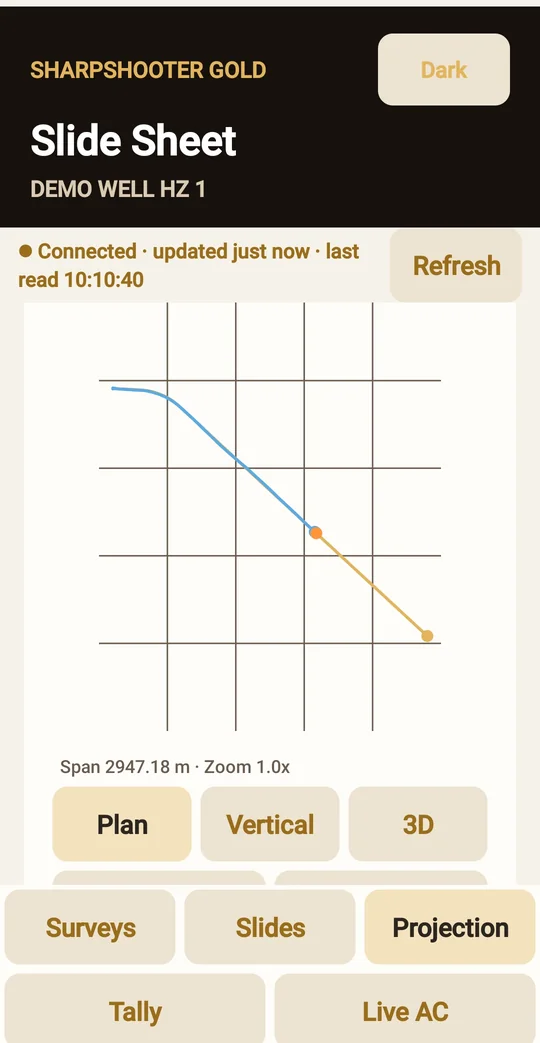
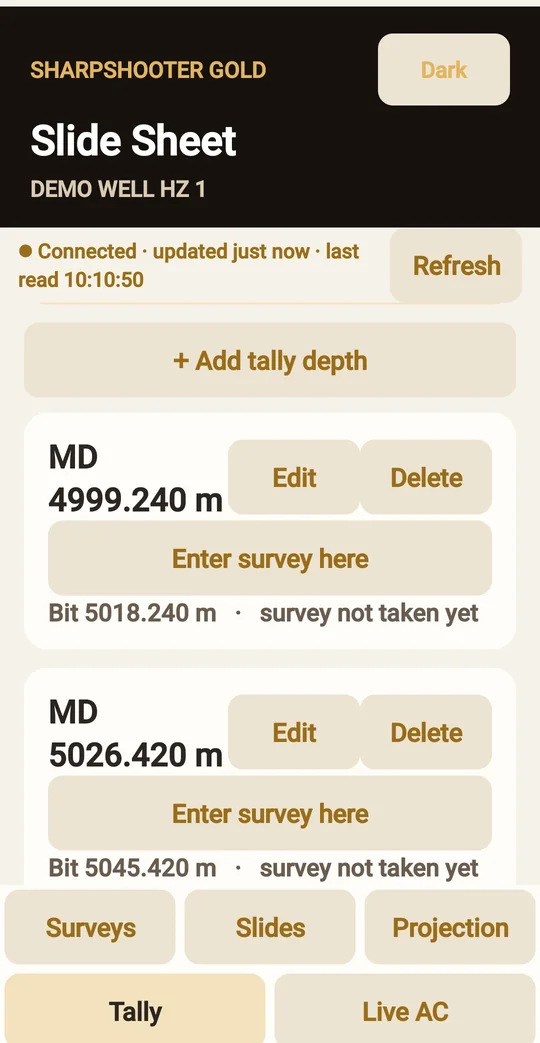
Questions: [email protected] · Privacy policy for the app.
 Ask Pneuma
 SharpShooter